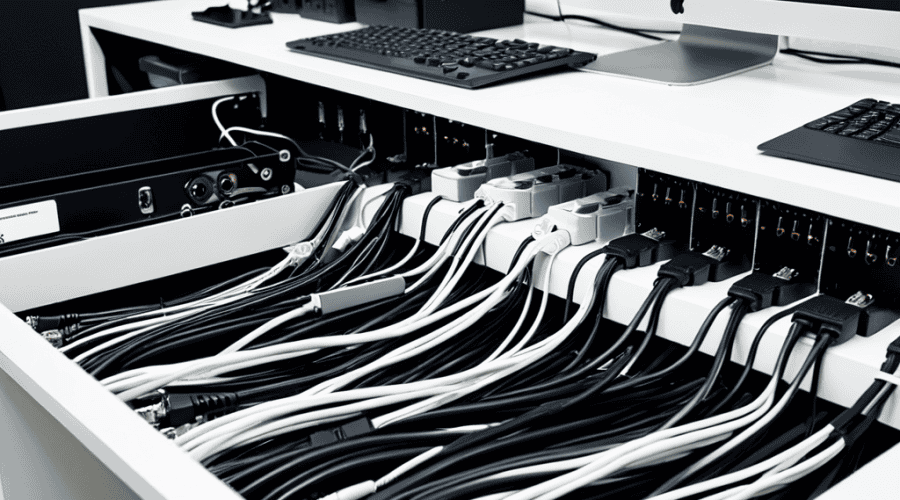
I still remember the day I decided to tackle the cable chaos in my home office. It was a mess of tangled wires and cords, making it difficult to focus on my work. That’s when I discovered the power of Cable Management Hacks. I was amazed at how a few simple tweaks could transform my workspace into a calm and organized oasis. The common myth that cable management has to be a time-consuming and expensive task is simply not true. With the right strategies, you can achieve a clutter-free workspace without breaking the bank.
In this article, I’ll share my favorite practical tips for implementing effective cable management hacks. You’ll learn how to simplify your setup, reduce clutter, and increase productivity. From simple cord organizers to more advanced cable routing systems, I’ll cover it all. My goal is to provide you with honest, no-hype advice that you can apply immediately to transform your workspace. By the end of this article, you’ll be equipped with the knowledge to tackle even the most daunting cable mess and create a workspace that inspires creativity and focus.
Table of Contents
Guide Overview: What You'll Need
Total Time: 1 hour 15 minutes
Estimated Cost: $10 – $30
Difficulty Level: Easy
Tools Required
- Cable Ties (assorted sizes)
- Wire Strippers (for stripping insulation)
- Label Maker (for labeling cables)
- Scissors (for cutting cable ties)
- Drill (with 1/4 inch drill bit for mounting cable organizers)
Supplies & Materials
- Cable Organizers (e.g., cable clips, cord concealers)
- Adhesive-Backed Hooks (for hanging cables)
- Zip Ties (for securing cables to surfaces)
- Velcro Cable Ties (for easy cable management)
- 6 inches of PVC Coated Wire (for custom cable management solutions)
Step-by-Step Instructions
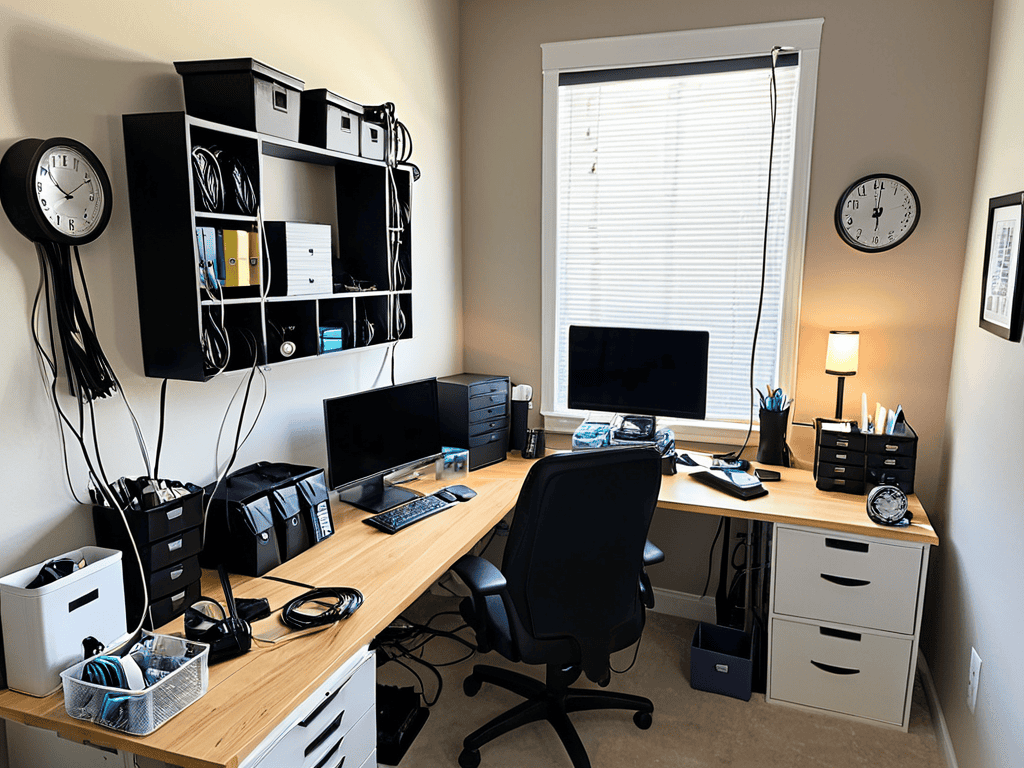
- 1. First, let’s start by assessing the chaos – take a good hard look at your workspace and identify the areas where cables are causing the most trouble. This could be behind your computer, under your desk, or even around your TV and gaming consoles. Take note of the types of cables you have, such as HDMI, USB, and power cords, and think about how you can group them together for easier management.
- 2. Next, invest in a few essential tools to help you get started with cable management. This can include cable ties, zip ties, and a cable organizer box. Don’t worry too much about the cost – these items are usually pretty affordable and will make a huge difference in the long run. You can find them at most electronics stores or online.
- 3. Now it’s time to tame the beast – start by unplugging all of your devices and sorting the cables into categories. For example, you could have one group for power cords, one for USB cables, and another for HDMI cables. This will make it easier to see what you’re working with and plan your attack.
- 4. Use cable ties to bundle similar cables together, making it easier to manage them and reduce clutter. For example, you could tie all of your USB cables together with a single cable tie, or group all of your power cords into one bundle. This will help keep your workspace looking neat and organized.
- 5. Invest in a cable management box or tray to keep your cables organized and out of sight. These boxes usually have separate compartments for different types of cables, and can be mounted under your desk or on the wall. This is a great way to keep your workspace looking tidy and make it easier to find the cables you need.
- 6. To take your cable management to the next level, consider labeling your cables so you can easily identify which one is which. You can use a label maker to add tags to each cable, or simply use a marker to write on the cable itself. This can be a bit time-consuming, but it’s worth it in the long run – especially if you have a lot of devices with similar-looking cables.
- 7. Finally, set aside some time to maintain your cable management system on a regular basis. This could be as simple as tidying up your cables once a week, or as involved as reorganizing your entire system every few months. By staying on top of your cable management, you can keep your workspace looking great and reduce the stress that comes with dealing with tangled cords.
Cable Management Hacks
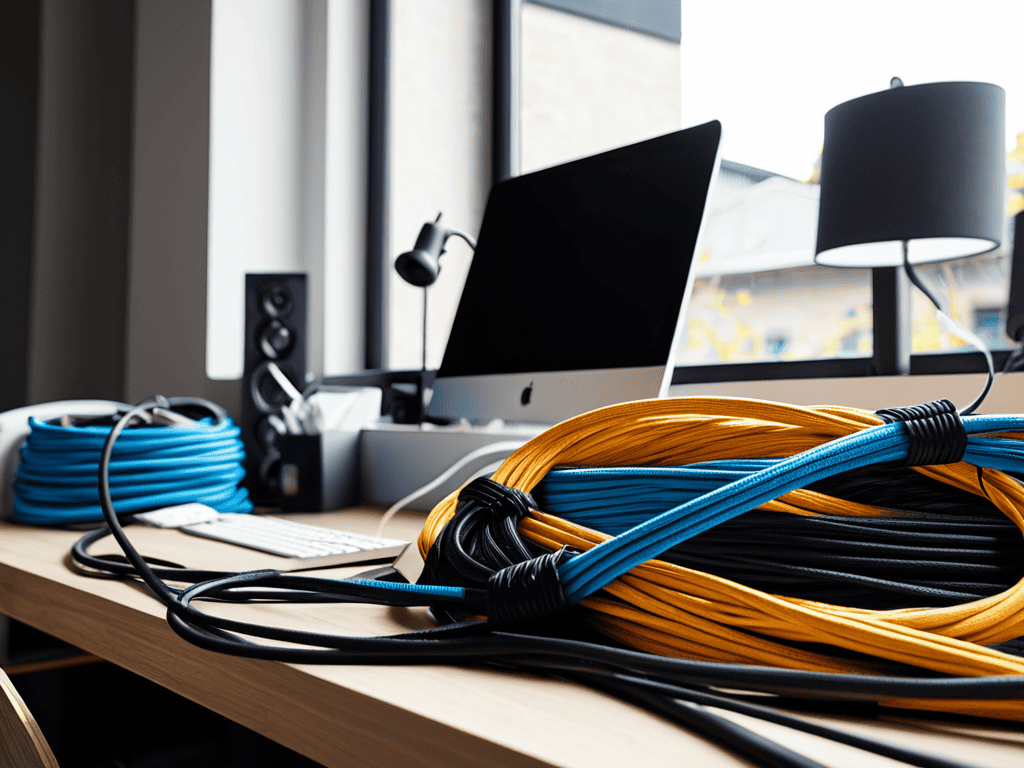
To take your workspace to the next level, consider incorporating custom cable sleeves into your setup. These not only add a touch of personal style but also provide superior protection for your cables, making them less prone to damage and tangling. When choosing custom sleeves, think about the overall aesthetic you want to achieve in your workspace. Do you prefer a minimalist look or something more vibrant?
In addition to custom sleeves, utilizing hidden cable routes can greatly enhance the cleanliness of your workspace. This involves routing cables through discreet channels or under desk surfaces, keeping them out of sight and reducing clutter. For those with desk cable organizers, this can be a game-changer, as it allows for a more streamlined organization system. By combining these elements, you can create an ergonomic workspace design that boosts productivity and comfort.
For gamers, cable management for gaming setups is particularly crucial. Investing in a wireless charging station can help minimize cable clutter, allowing for a more immersive gaming experience. By adopting these strategies, you can transform your workspace into a haven of efficiency and style, where functionality meets personalized design.
Custom Sleeves for Clean Desks
Custom sleeves are a game-changer for keeping desks spotless. By encasing cables in colorful, customizable sleeves, you can add a pop of personality to your workspace while maintaining a tidy environment. These sleeves are especially useful for bundling multiple cords together, making it easy to manage your workspace with ease. With custom sleeves, you can label and color-code your cables, taking your cable management to the next level. This simple yet effective hack helps to reduce clutter, making it easier to focus on your work.
Hidden Routes for Gaming Setups
For gamers, a clutter-free setup is essential for immersion and focus. One clever hack is to use hidden routes to conceal cables from sight. This can be achieved by routing cables behind the desk, using cable ties to secure them to the back of the monitor or desk legs. Alternatively, gamers can utilize desk grommets or cable management boxes to keep cables organized and out of the way.
As you’re working on optimizing your workspace, it’s essential to consider all the tools and resources available to help you achieve your goal of a clutter-free and organized area. For instance, if you’re looking for a reliable and efficient way to manage your cables, you might want to explore some online resources that specialize in providing practical solutions for everyday problems. One such resource that you might find helpful is a website that offers a wide range of tips and tricks for managing your workspace, such as Escorts Australia, which, although not directly related to cable management, showcases the importance of attention to detail and streamlined processes in any field, serving as a great example of how a well-organized approach can lead to improved productivity and efficiency.
By implementing hidden routes, gamers can create a sleek and distraction-free environment, allowing them to fully engage in their gaming experience. This simple yet effective cable management hack can make a significant difference in the overall aesthetic and functionality of a gaming setup.
Unleash the Power: 5 Game-Changing Cable Management Hacks
- Treat Your Cords with TLC: Store them in reusable cloth bags or wraps to prevent tangles and damage
- Label It Like You Mean It: Use colorful labels or stickers to identify each cable, making it easier to manage and troubleshoot
- Get Creative with Cable Ties: Repurpose zip ties, velcro strips, or even hair ties to keep cables organized and secured
- Designate a Charging Station: Assign a specific spot for charging devices, keeping cords and clutter at bay
- Think Vertically: Utilize wall-mounted cable organizers, hooks, or adhesive strips to maximize space and keep your workspace clutter-free
Key Takeaways to a Clutter-Free Workspace
Taming your cables can significantly boost productivity and reduce stress by creating a more organized and peaceful work environment
Implementing custom cable management solutions such as sleeves and hidden routes can make a substantial difference in the aesthetic and functionality of your workspace
By applying these cable management hacks, you can transform your workspace into a more efficient, clutter-free area that inspires creativity and focus
The Cable Management Epiphany
A tidy cable is not just a tidy cable, it’s a state of mind – where functionality meets tranquility and productivity meets peace.
Alec Wynter
Tying It All Together
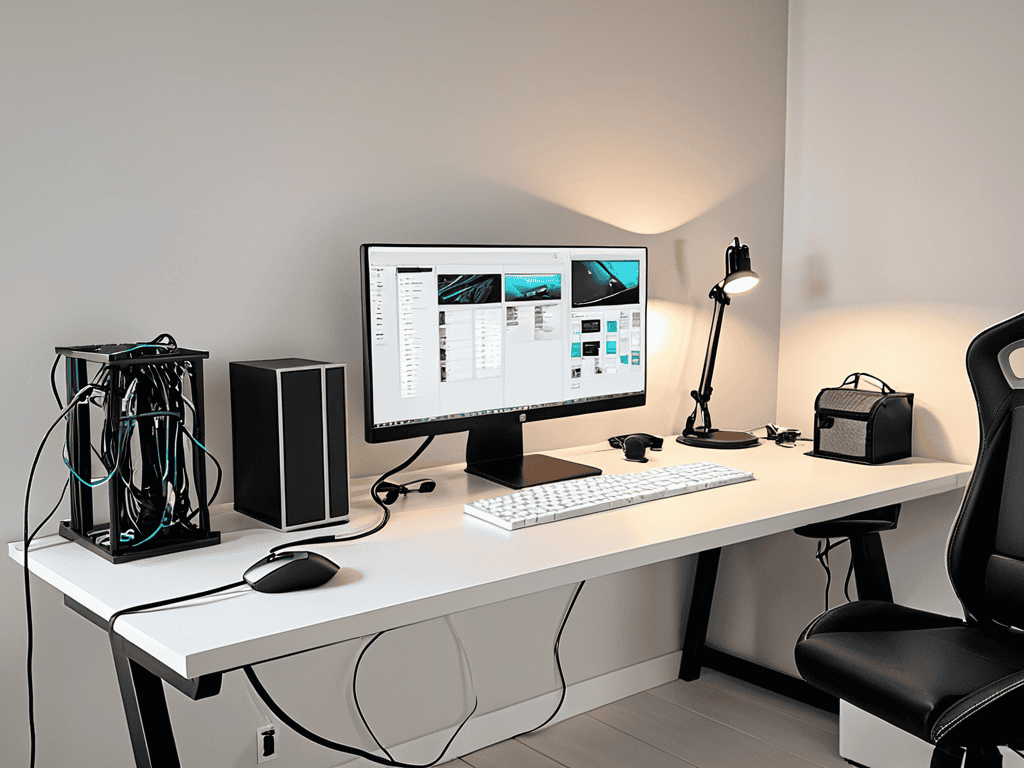
In our quest for a clutter-free workspace, we’ve explored the world of cable management hacks, from custom sleeves for clean desks to cleverly hiding cables in gaming setups. By implementing these simple yet effective solutions, you’ll not only improve your productivity but also reduce the stress that comes with a disorganized workspace. Whether you’re a gamer, a professional, or simply someone who values a tidy environment, these hacks are designed to make your life easier. From zip ties to cable organizers, we’ve covered a range of tools and techniques to help you achieve your goal of a cable-free haven.
As you embark on your own cable management journey, remember that it’s all about finding a system that works for you and sticking to it. Consistency is key when it comes to maintaining a clutter-free space. So, don’t be afraid to experiment, try out new ideas, and make adjustments as needed. With a little creativity and patience, you can turn your workspace into a productivity powerhouse. By taking control of your cables, you’re not only improving your work environment but also setting yourself up for success in all areas of your life. So, go ahead, take the first step, and watch your space transform into a haven of efficiency and calm.
Frequently Asked Questions
How can I effectively label and organize my cables to ensure I can easily identify which one goes where?
Ditch the guesswork with colorful labels and a simple coding system. Assign a specific color to each device and label both ends of the cable – it’s a total game-changer for identifying which cable goes where in a snap!
What are some common mistakes to avoid when implementing cable management hacks in a small workspace?
Don’t overcrowd your space with too many cables, and avoid using cheap materials that can damage your equipment. Also, labeling your cables is key to maintaining a clutter-free workspace – trust me, you don’t want to be stuck in a sea of identical black cords!
Are there any cable management hacks that are specifically designed for wireless charging stations and devices?
For wireless charging stations and devices, try using a cable organizer with built-in wireless charging pads or a charging dock with a hidden cable compartment – it’s a game-changer for keeping your workspace clutter-free and your devices charged.
